Today
Global EditionS&P 5005,983.99▲ +0.42%
NASDAQ19,281.40▲ +0.55%
FTSE 1008,422.10▲ +0.28%
NIKKEI38,642.91▲ +0.78%
BTC91,420.00▲ +1.85%
CRUDE OIL72.40▼ -0.35%
GOLD2,680.50▲ +0.15%
S&P 5005,983.99▲ +0.42%
NASDAQ19,281.40▲ +0.55%
FTSE 1008,422.10▲ +0.28%
NIKKEI38,642.91▲ +0.78%
BTC91,420.00▲ +1.85%
CRUDE OIL72.40▼ -0.35%
GOLD2,680.50▲ +0.15%
Best Black Friday Deals for Linux Users in 2026
16 min read

Thanksgiving is approaching faster than Bus, Trains and Automobiles. And so here is my list of deals for Linux users and open source enthusiasts.
If you've been waiting to buy cloud storage, take a course, or build a home server, you can check out these deals and see where you can spend some money and save at the same time.
Prices and availability can vary by country, and a discount doesn't automatically make something worth buying. So decide as per your needs and wants.
📋
I will be adding more deals to this page as I come across them. If you know other deals that should be of interest to Linux users with interest in privacy, server, homelabbing etc, please let me know and I will add them here.
My advice before you buy
I suggest starting with what you actually need. Check the full upfront payment, not just the monthly equivalent, and compare the renewal price before subscribing. A two-year plan advertised per month is usually a commitment paid in advance.
Read the refund terms before paying. Several discounts below have exclusions, and a free trial isn't a money-back guarantee. For hardware, I'd also check shipping, import duties, return postage, and whether the price includes any storage drives you'll need.
Lifetime plans can reduce recurring bills, but they still depend on the provider and its terms. Keep another copy of important files, and make sure you can export your data if you decide to leave.
I have tried to include information on pricing, moneyback and other important aspects. Still, please verify it yourself before making the purchase.
📋
Some links here are affiliate links. If you buy through them, It's FOSS may earn a commission at no extra cost to you. That doesn't change the price or your refund rights. Please read our affiliate policy.
Cloud storage deals
pCloud
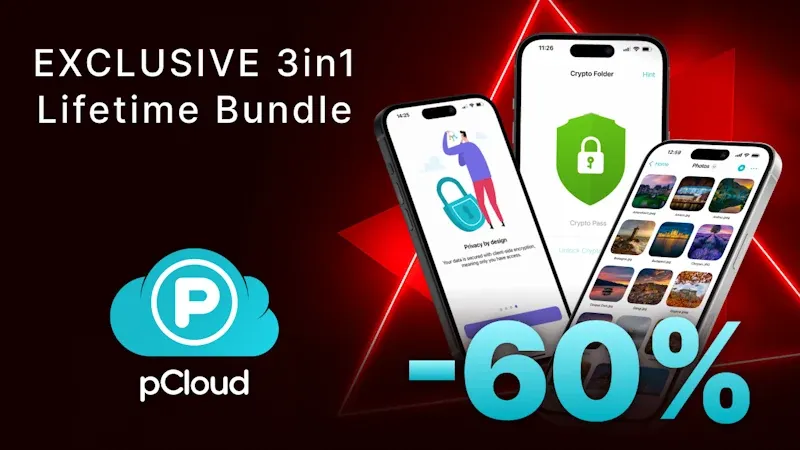
If you'd rather pay once than add another subscription, pCloud is worth a look. You can store your files in its Swiss-based cloud and access them across your devices.
I'd pay attention to what's included: the 3in1 bundle combines storage, a password manager, and client-side encryption, while the ordinary storage plans don't include all those extras.
💸
Offer: Up to 60% off Lifetime plans.
Ends: November 28, 2026.
Moneyback: 14-day written request window; promotional purchases may be excluded. Policy.
Proton Drive
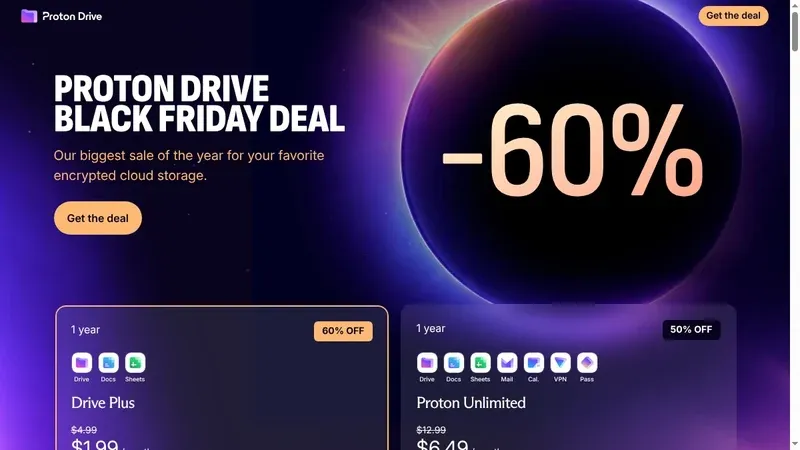
If you want encrypted storage without buying the whole Proton bundle, I'd look at Drive Plus. You get space for files and photos, with encryption designed to keep their contents private.
You can also use Proton's document tools. I'd compare the standalone plan with Unlimited before paying, especially if you already need or use Proton Mail or its VPN.
💸
Offer: 60% off 1 year: $23.88 upfront ($1.99/month), then $47.88/year.
Ends: November 30.
Moneyback: 30 days on an initial direct purchase, once per user.
Internxt
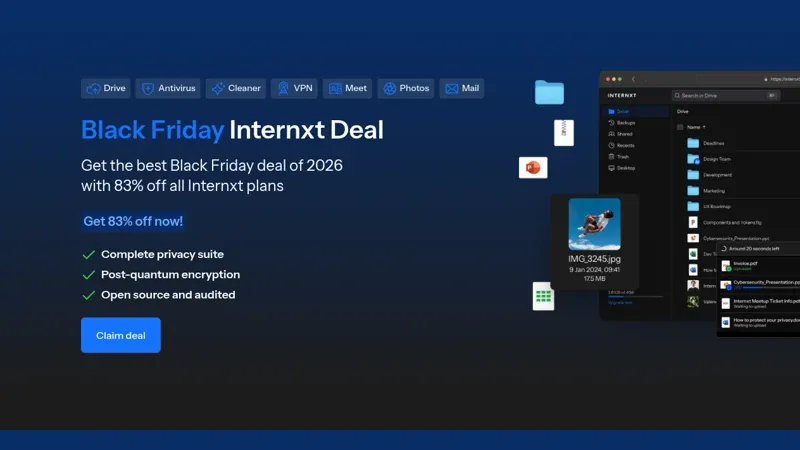
Internxt offers encrypted cloud storage with subscription and lifetime options. If you're comparing it with pCloud, I'd look beyond the large discount percentage and check the actual storage allowance and included tools. You can use it for files and backups, but I'd keep a separate copy of anything important rather than make one provider your only backup.
💸
Offer: 87% off selected plans
Ends: December 3, 2026.
Moneyback: 30 days on the first purchase by card or PayPal; no crypto or renewal refunds.
VPN deals
Surfshark
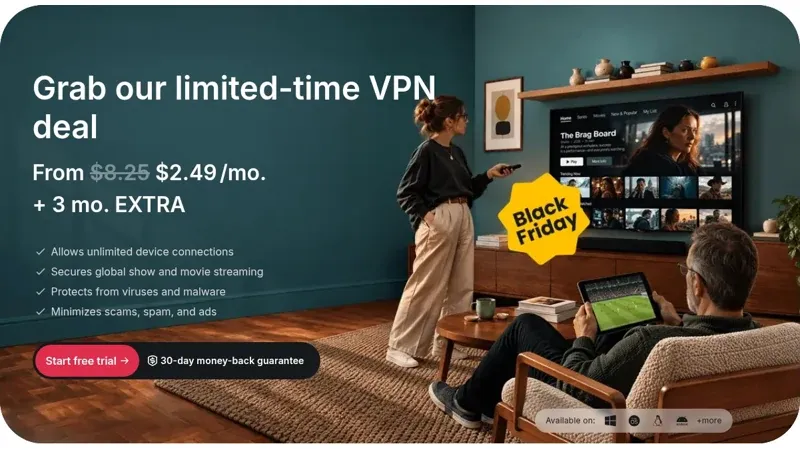
If you want more than a VPN without spending much, I'd recommend Surfshark One. From $2.49 a month on its two-year Black Friday plan, it combines the VPN with antivirus, data-breach alerts, and Alternative ID for masking your personal details.
You also get unlimited VPN device connections. One caveat for you as a Linux user: the antivirus is for Windows, macOS, and Android, not Linux.
💸
Offer: Surfshark One from $2.49/month on a 2-year plan, plus 3 extra months. Billed upfront.
Ends: 30 Nov.
Moneyback: 30 days on the initial purchase, once per service; not renewals.
NordVPN

NordVPN is an option if you want a VPN subscription that you can use on Linux and your other devices. I'd start by checking whether the Basic plan covers your needs instead of paying for a larger security bundle. A VPN can protect the connection between your device and its server, but it doesn't make you anonymous or replace sensible security habits.
💸
Offer: Basic 2-year plan from €2.99 / £2.19 / $2.99 per month, billed upfront. Check renewal pricing.
Ends: December 9, 2026.
Moneyback: 30 days on the initial subscription, not renewals. Policy.
Proton VPN
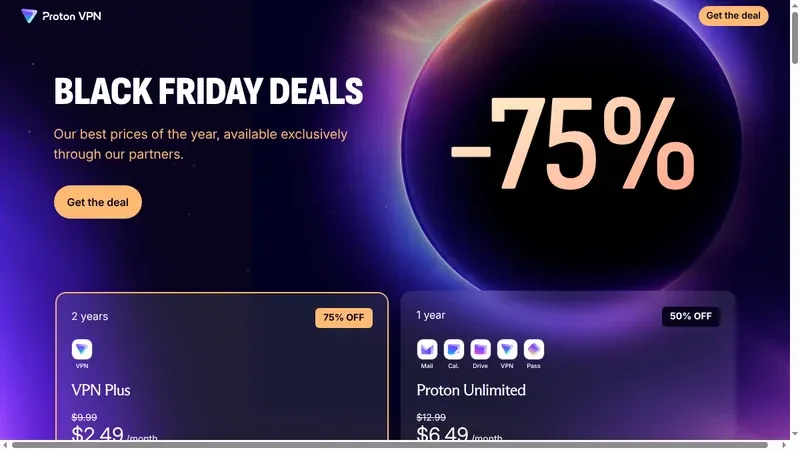
If you're already using Proton services, its VPN is worth comparing with the other offers here. VPN Plus supports up to 10 devices, so you can cover more than your Linux computer.
💸
Offer: 75% off 2 years: $59.76 upfront ($2.49/month), then $83.88/year.
Ends: November 30
Moneyback: 30 days on an initial direct purchase, once per user. Cancel and request the refund; cash/bank transfers excluded. Policy.
Windscribe
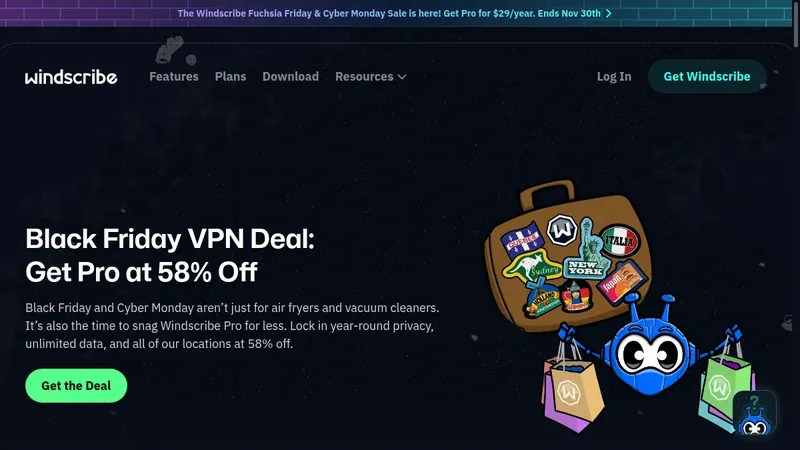
Windscribe stands out here because the advertised annual discount continues evenwhen you renew, rather than disappearing after the introductory term. If you dislike checking for a new VPN deal every year, I'd compare that recurring price with the alternatives. You should still try the service on your own connection and devices before making a long-term choice.
💸
Offer: Pro for $29/year with BEEPBOOP; renews at $29/year until cancelled.
Ends: 2nd December.
Moneyback: Conditional: request within 7 days, under 10 GB used, for an unresolved technical issue. No renewals or promotional gift-card refunds. Policy.
Private email deals
Proton Mail
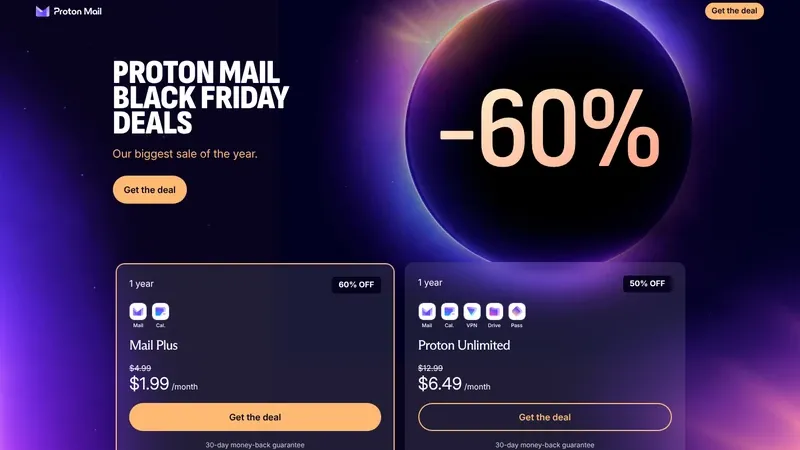
If you've been thinking about moving away from an ad-funded inbox, Proton Mail is one option I'd recommend. You get an encrypted email service with paid features such as custom-domain support and additional addresses. Before switching, check how you'll move your old messages and connect the apps you use; email migration deserves more thought in my opinion.
We use ProtonMail for all @itsfoss.com email address.
💸
Offer: Mail Plus: 60% off, $23.88 for 1 year ($1.99/month), then $47.88/year. Unlimited: $77.88 first year, then $119.88/year.
Ends: November 30.
Moneyback: 30 days on an initial direct purchase, once per user. Cancel and request the refund; cash/bank transfers excluded. Policy.
StartMail (starts November 23)
StartMail is another private email service I'd consider if you want to separate your inbox from advertising companies. You can create unlimited aliases to avoid handing out your main address everywhere, and use your own domain. I'd try the service before committing, because its discounted accounts have an important refund restriction that you shouldn't overlook.
💸
Offer: 50% off plus 3 months free, November 23–30.
Ends: November 30, 2026.
Moneyback: Discounted accounts are non-refundable. The 7-day free trial is separate. Policy.
Password manager deals
Proton Pass
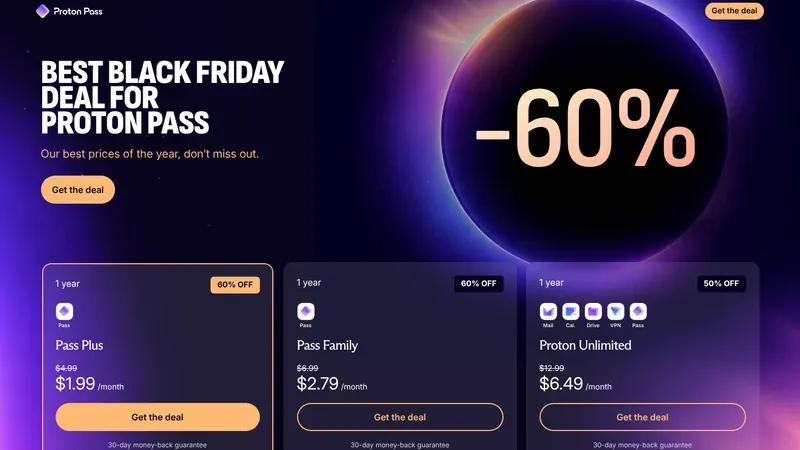
A password manager is a more useful purchase than another subscription you'll forget about. Proton Pass stores logins and lets you create email aliases, so you don't have to reuse the same address everywhere. I'd compare the individual and family plans, check that importing your existing passwords works, and keep a safe copy of your account recovery information.
Getting ProtonMail, VPN and Password together is a always a better option.
💸
Offer: 60% off 1 year. Plus: $23.88 upfront, then $35.88/year. Family (up to 6): $33.48 upfront, then $59.88/year.
Ends: 30 Nov.
Moneyback: 30 days on an initial direct purchase, once per user. Cancel and request the refund; cash/bank transfers excluded. Policy.
Learning and education deals
DataCamp
If you want to learn Python, SQL, or work with data, DataCamp gives you short lessons and interactive exercises rather than just videos to watch. Its catalog also covers AI engineering, Power BI, and Tableau. I'd pick a learning track before subscribing, so you have a plan for using the membership instead of collecting another course subscription.
💸
Offer: 60% off AI and data learning; check the eligible subscription and included certifications.
Ends: December 3, 2026, 23:59 EST.
Moneyback: No refunds or prorating for unused subscription periods. Policy.
KodeKloud
KodeKloud is the one I'd recommend if your learning plans involve Linux, containers, Kubernetes, or cloud administration. Its courses include practical labs, which give you somewhere to work through the commands instead of only watching an instructor.
Before buying, check that your chosen annual plan includes the courses and playgrounds you actually want to use.
💸
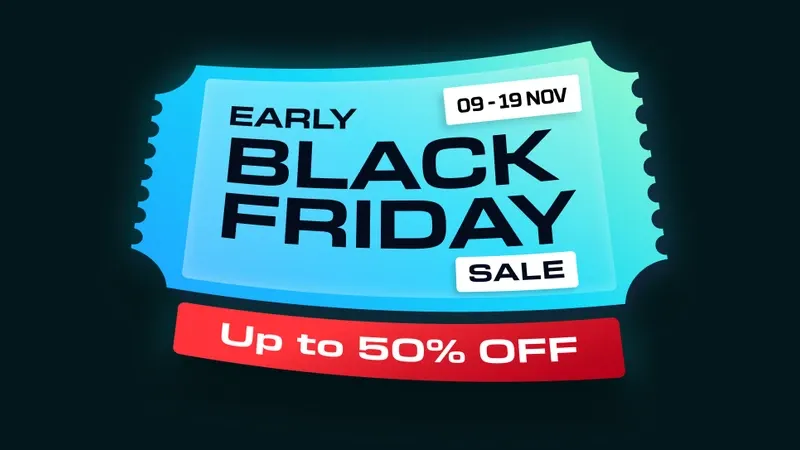
Offer: Up to 50% off annual plans in the Early Black Friday sale.
Ends: November 19, 2026, at 12 PM PST.
Moneyback: 30 days from purchase. Request a refund through support; cancellation alone isn't enough. Policy.
LabEx
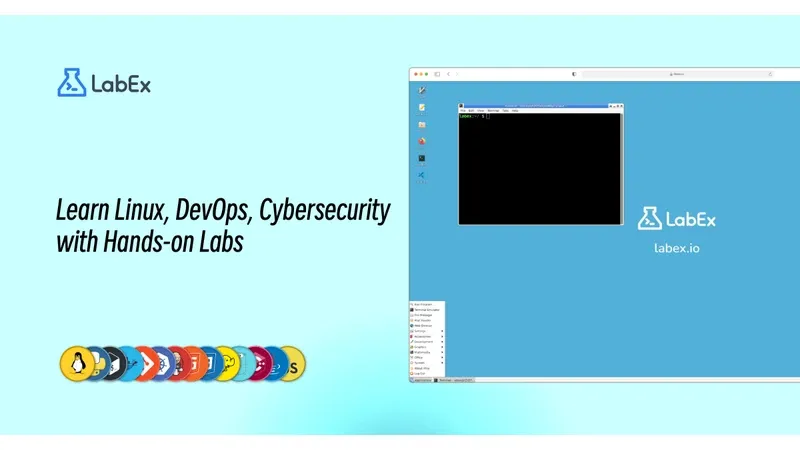
LabEx focuses on hands-on learning in browser-based labs, including Linux, DevOps, cybersecurity, and cloud topics. If you learn more by typing commands than watching videos, I'd put it on your shopping list. You can choose a one-year or two-year membership, but I'd check the exercises you want first because the sale's coupon purchases aren't refundable.
💸
Offer: 1 year: $69.90 (30% off, 2026BF30). 2 years: $99.90 (50% off, 2026BF50). New and existing users.
Ends: December 7, 2026.
Moneyback: Coupon and voucher purchases are non-refundable. Policy.
Linux computer system deals
System76

If you want a computer sold with Linux support rather than installing it on an unknown laptop, System76 is worth comparing. It builds Linux laptops and desktops and develops Pop!_OS.
Suitable for people living in the United States of America.
💸
Offer: Up to $257 off selected computers and configurations.
Ends: November 23, 2026.
Moneyback: 30 days from shipment, with return authorization and as-new packaging/condition. Shipping costs aren't covered.
Slimbook

Slimbook is another place I'd look for a Linux-focused computer, particularly if you're shopping in Europe. Its range includes laptops, desktops, and mini PCs, so you can compare a portable machine with something for your desk.
I'd recommend checking your preferred Linux setup, keyboard layout, shipping costs, and warranty arrangements before deciding which discounted model suits you.
💸
Offer: Up to €120 off selected products.
Ends: 26 November.
Moneyback: Confirm eligibility and return costs before buying.
Homelab, NAS, and storage hardware deals
Zima

If you've been planning a first home server or a small NAS, Zima has a few different starting points. I'd compare the compact ZimaBoard options with the larger ZimaCube based on the drives and services you want to run.
I have both ZimaBoard 2, compatch device for easy homelab start, and bigger ZimaCube 2, for local AI use.
Check the included memory and storage carefully, and budget for disks rather than assuming the sale price buys a fully populated NAS.
ZimaBoard 2 is 20% off on Amazon USA.
💸
Offer: 10-20% off and some products offer additional free accessories.
Ends: November 30, 2026.
Moneyback: 14 days from delivery for unused/like-new goods with authorization and original packaging. Return postage and import costs may apply.
TerraMaster
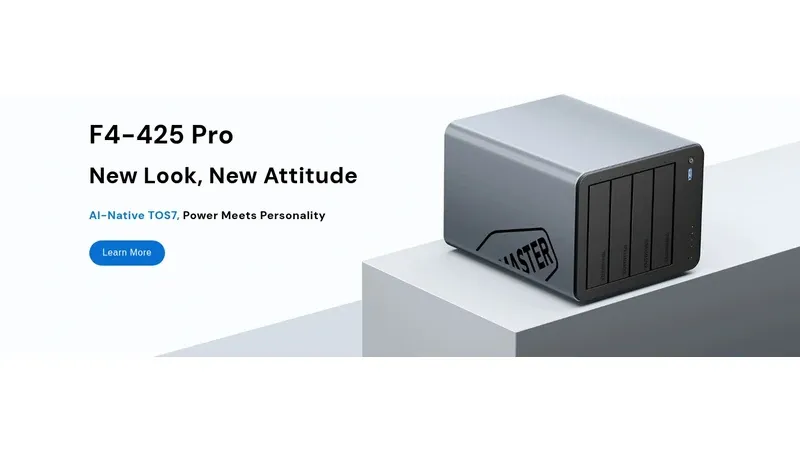
TerraMaster sells NAS systems and direct-attached storage enclosures, so I'd start by deciding whether you need network access or simply more disks connected to one computer.
If you're buying through Amazon, check the exact model, seller, and whether you have spare HDD and SDDs. A discount on an enclosure won't tell you the total cost of the storage setup you have in mind. NAS devices do not come with HDDs and SSDs.
💸
Offer: 20% off selected products on Amazon; verify the exact model, seller, and listing.
Ends: 30 Nove.
Moneyback: Amazon return terms apply.
ORICO

ORICO has multi-drive enclosures as well as NAS products, which makes it worth comparing if you're expanding a backup or media setup.DAS and NAS aren't interchangeable, and a lower price won't help if the enclosure doesn't fit your intended setup. So, do a quick research.
💸
Offer: 20% off selected DAS and up to 15% off selected NAS.
Ends: December 7, 2026, at 11:59 PM PST, while stock lasts.
Moneyback: Advertised 30-day unused-item return window, but policy conflicts on non-defective returns. Verify it please.
Olares One (starts November 17)
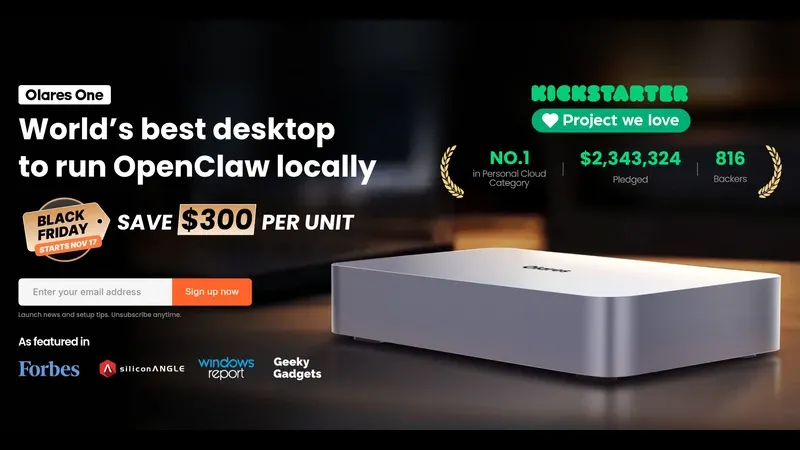
Olares One is a personal cloud and local-AI computer, rather than just another storage enclosure. If you want a dedicated box for a serious local AI setup, I'd look at what its software provides and how much of it you actually need. This is a larger purchase than a course or cloud plan, so I'd recommend proper research first.
💸
Offer: $300 off
Ends: 30 Nov.
Moneyback: 7-day DOA exchange versus ; EU 14-day rights noted. Better to verify with them.
What else?
Considering that RAM and SSD prices show no sign of coming down till 2030, I would suggest getting some of those required accessories before prices go even further up.
So check if you can see some discount on SSDs and HDDs and RAMs on Amazon and budget accordingly.
More offers to come
I'll add more offers as their details are confirmed. If you spot a useful Linux, privacy, learning, or homelab deal, let me know in the comments.
And if nothing here matches what you need, keeping your money is a perfectly good Black Friday money saving decision as well 😄

10
Related Articles
It's FOSS·1d ago
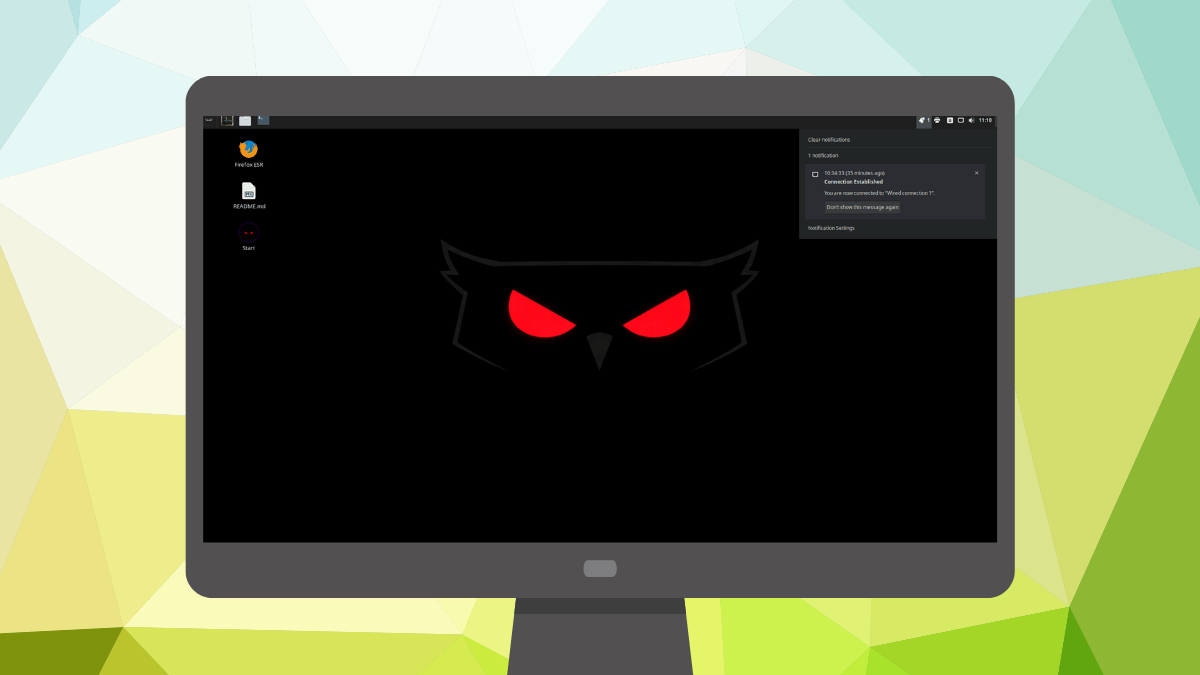
Owl OS is a New Kali Linux Competitor
Penetration testing, where a security professional probes a system for weaknesses before an attacker finds them, has become a routine part of defending anything that runs online.There are several security-focused Linux distributions, such as Kali Linux, Parrot, and Athena OS, and each of them ships…
It's FOSS·1d ago
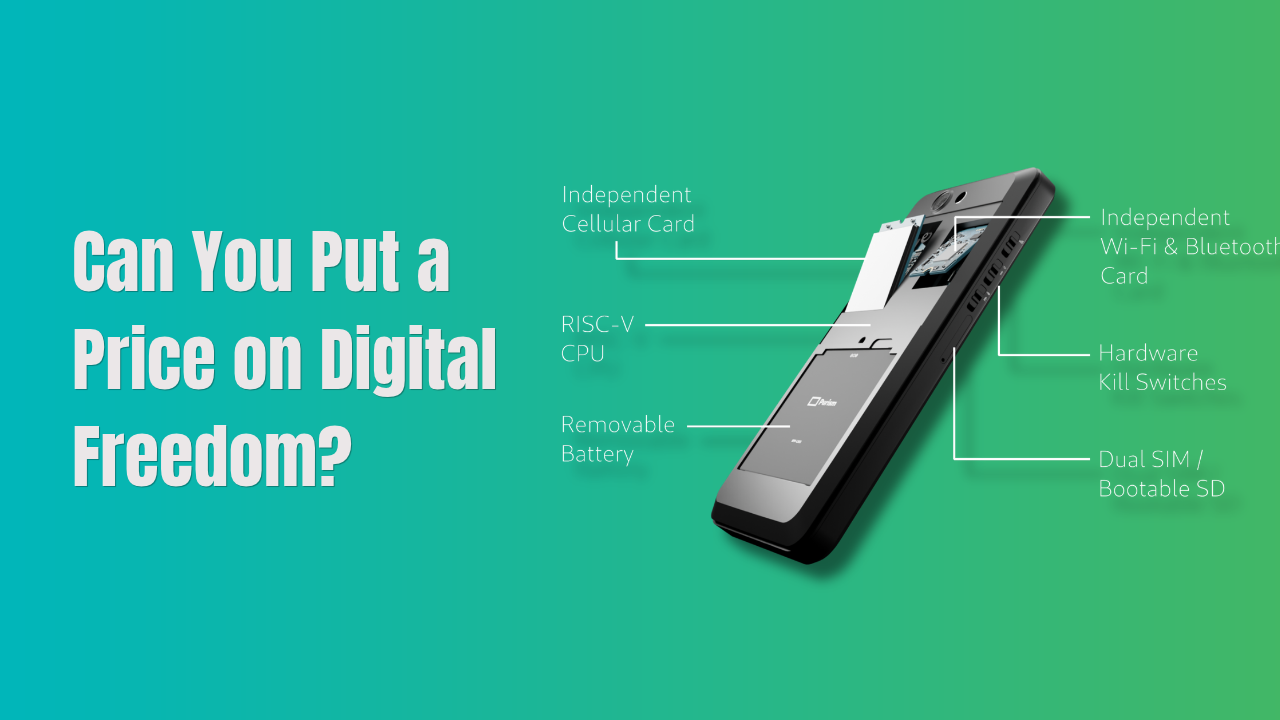
Purism Is Crowdfunding the Librem 5 v2, a $1,599 RISC-V Linux Phone With Kill Switches
If you have been following the Linux phone space for a while, you have certainly come across Purism. It is a US-based company that builds hardware as well as software with privacy and security as its sole focus.Purism makes Linux laptops, phones, a security key, a VPN service and its own Linux distr…

Electronic Frontier Foundation·1d ago
EFF to Congress: Mass Surveillance Is Too Important to Shove into Must-Pass Bill
In June 2026, the surveillance authority Section 702 of FISA expired absent a consensus among lawmakers over the terms of its reauthorization. Now, with the program set to truly turn off within the next few months, surveillance hawks and national security maximalists are rushing to renew this secret…

It's FOSS·2d ago
GrapheneOS Accuses Google of Kneecapping Android Partners With Pixel Exclusives
GrapheneOS has accused Google of leaning on phone makers to keep away from the project. The claim came in a thread on X today, where the project says makers were questioned about working with it, then threatened over their Google app licensing.The project adds that courts have already found such lic…